Web Development · DevOps
Monorepo Tooling in 2026 — Turborepo vs Nx vs pnpm Workspaces
Monorepos are mainstream, but choosing between Turborepo, Nx, and pnpm workspaces is confusing. Here's a practical guide to picking the right tool for your team.

Anurag Verma
8 min read
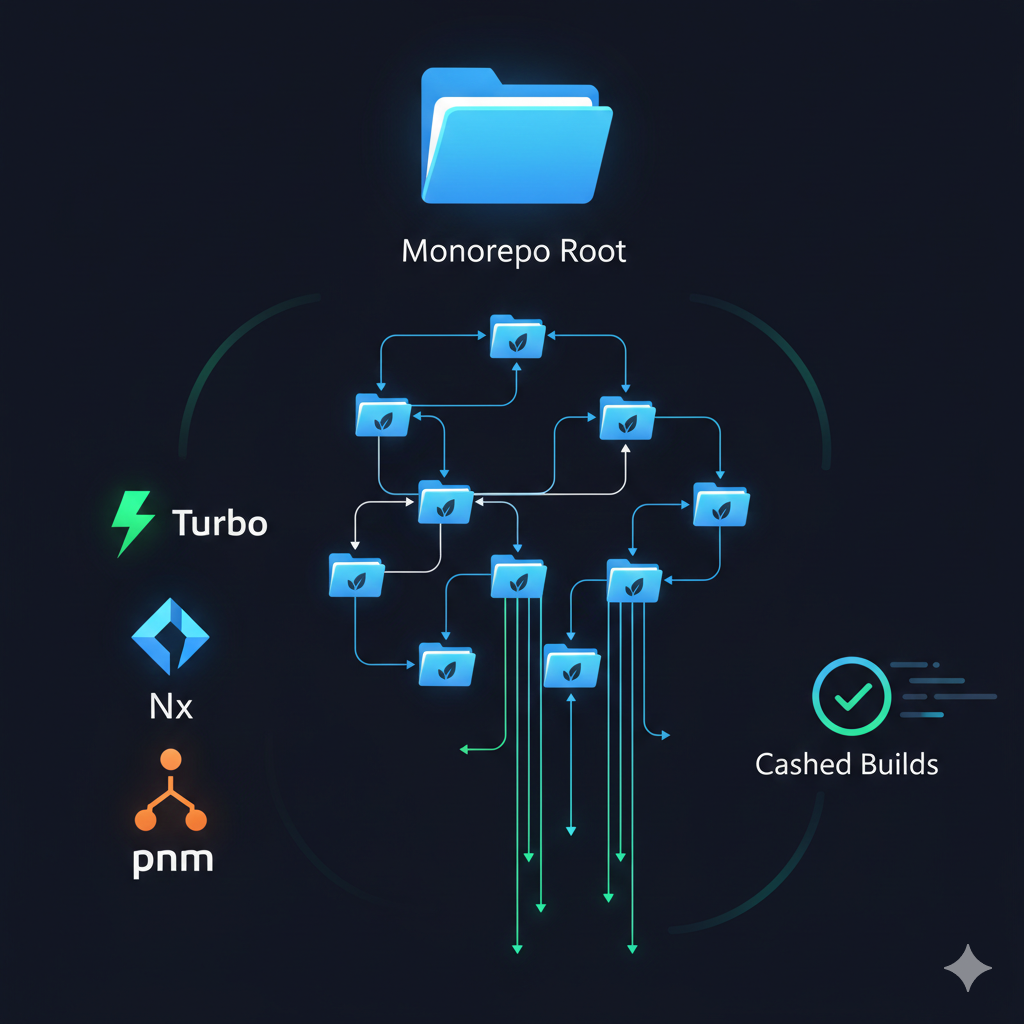
Monorepos have become the standard for serious JavaScript/TypeScript projects. Google, Meta, Microsoft, and most well-funded startups use them. But choosing between Turborepo, Nx, and pnpm workspaces can be overwhelming.
The right choice depends on your team size, project complexity, and how much tooling you want.
Modern monorepo tools make managing large codebases practical
Why Monorepos
Before comparing tools, understand why monorepos matter:
| Benefit | Description |
|---|---|
| Shared code | Reuse components, utilities, and types across projects |
| Atomic changes | Update library and consumers in one commit |
| Consistent tooling | Same linting, testing, and build configuration everywhere |
| Simplified dependencies | One version of each package across all projects |
| Better refactoring | IDE finds all usages across the entire codebase |
The cost: you need tooling to manage complexity at scale.
The Contenders
pnpm Workspaces
The minimal approach — just workspace support with fast package management.
Turborepo
Vercel’s build system focused on caching and task running. Minimal configuration, maximum speed.
Nx
The full-featured option with generators, plugins, and deep framework integration.
Quick Comparison
| Feature | pnpm Workspaces | Turborepo | Nx |
|---|---|---|---|
| Package management | Yes | No (needs pnpm/npm/yarn) | Yes (wraps npm/pnpm/yarn) |
| Task caching | No | Yes (local + remote) | Yes (local + remote) |
| Task orchestration | Basic | Yes | Yes |
| Code generation | No | No | Yes (generators) |
| Dependency graph | No | Yes | Yes (visualized) |
| Affected commands | No | Yes | Yes |
| Framework plugins | No | No | Many (Next.js, React, Node) |
| Learning curve | Low | Low | Medium-High |
| Configuration | Minimal | Minimal | Extensive |
pnpm Workspaces: The Minimalist Choice
pnpm workspaces provide basic monorepo support without additional tooling.
Setup
# pnpm-workspace.yaml
packages:
  - 'apps/*'
  - 'packages/*'
// package.json
{
"name": "my-monorepo",
"scripts": {
"build": "pnpm -r build",
"test": "pnpm -r test",
"lint": "pnpm -r lint"
}
}That’s it. pnpm handles symlinking, hoisting, and workspace dependencies.
When to Use pnpm Workspaces Alone
Good for:
- Small teams (1-5 developers)
- 2-5 packages
- Simple build requirements
- Teams that want minimal tooling
- Projects where build times are already fast
Example structure:
my-monorepo/
├── apps/
│   └── web/           # Next.js app
├── packages/
│   ├── ui/            # Shared components
│   └── utils/         # Shared utilities
├── pnpm-workspace.yaml
└── package.json
Limitations
- No caching — every
pnpm -r buildrebuilds everything - No affected detection — cannot run only what changed
- No remote caching — CI always starts fresh
- Manual task orchestration — you handle dependencies
For small projects, these limitations do not matter. For larger ones, they become painful.
Turborepo: Speed Without Complexity
Turborepo adds intelligent caching and task orchestration with minimal configuration.
Setup
npx create-turbo@latest
# or add to existing pnpm workspace
pnpm add turbo -D -w
// turbo.json
{
"$schema": "https://turbo.build/schema.json",
"tasks": {
"build": {
"dependsOn": ["^build"],
"outputs": ["dist/**", ".next/**"]
},
"test": {
"dependsOn": ["build"]
},
"lint": {},
"dev": {
"cache": false,
"persistent": true
}
}
}Key Features
1. Intelligent Caching
Turborepo hashes inputs and caches outputs:
$ turbo build
• Packages in scope: web, ui, utils
• Running build in 3 packages
web:build: cache hit, replaying output
ui:build: cache hit, replaying output
utils:build: cache hit, replaying output

 Tasks:    3 successful, 3 total
Cached:    3 cached, 3 total
  Time:    156ms >>> FULL TURBO
Second build: 156ms instead of 45 seconds.
2. Remote Caching
Share cache across team and CI:
# Enable remote caching
npx turbo login
npx turbo link

# Now cache is shared
# Developer A builds → cache uploaded
# Developer B pulls → instant cache hit
# CI runs → instant cache hit
3. Parallel Execution
Turborepo runs independent tasks in parallel while respecting dependencies:
Task Graph Execution
├── utils:build (runs first, no deps)
├── ui:build (waits for utils)
└── web:build (waits for ui)
    ├── web:lint (runs parallel with build)
    └── web:test (waits for build)
When to Use Turborepo
Good for:
- Teams wanting fast builds without complexity
- Projects already using pnpm/npm/yarn workspaces
- Next.js and Vercel-centric projects
- Teams that value simplicity over features
- 5-50 packages
Turborepo philosophy: Do one thing well (caching and task running).
Nx: The Full Platform
Nx provides a complete monorepo platform with generators, plugins, and deep IDE integration.
Setup
npx create-nx-workspace@latest my-workspace
# or add to existing project
npx nx@latest init
// nx.json
{
"targetDefaults": {
"build": {
"dependsOn": ["^build"],
"cache": true
},
"test": {
"cache": true
}
},
"defaultBase": "main"
}Key Features
1. Generators
Scaffold consistent code across the monorepo:
# Generate a new React library
nx g @nx/react:lib ui-components

# Generate a new Next.js app
nx g @nx/next:app dashboard

# Generate a component
nx g @nx/react:component Button --project=ui-components
Generators ensure consistent patterns, file structures, and configurations.
2. Plugins
Deep integration with frameworks:
| Plugin | Provides |
|---|---|
| @nx/next | Next.js support, SSR optimization |
| @nx/react | React component generators |
| @nx/node | Node.js/Express support |
| @nx/nest | NestJS integration |
| @nx/storybook | Storybook setup and testing |
| @nx/cypress | E2E testing integration |
3. Dependency Graph Visualization
nx graph
# Opens interactive visualization of project dependencies
See which projects depend on which, helping understand impact of changes.
4. Affected Commands
Run tasks only on what changed:
# Only build affected projects
nx affected -t build

# Only test affected projects
nx affected -t test

# Show what would be affected
nx affected --graph
This is critical for large monorepos where running everything takes too long.
5. Module Federation
Built-in support for micro-frontends:
// webpack config
module.exports = withModuleFederation({
  name: 'shell',
  remotes: ['dashboard', 'settings']
})
When to Use Nx
Good for:
- Large teams (10+ developers)
- Many packages (20+)
- Enterprise environments wanting standardization
- Teams that value conventions and generators
- Projects needing module federation
- Organizations wanting enforced architecture boundaries
Nx philosophy: Provide everything needed for large-scale development.
Head-to-Head Comparison
Build Speed (Cold Cache)
Both Turborepo and Nx have similar performance — the tools themselves are not the bottleneck.
Build Speed (Warm Cache)
Both achieve near-instant builds with cache hits. Remote caching is available in both.
Configuration Effort
| Scenario | pnpm | Turborepo | Nx |
|---|---|---|---|
| Basic setup | 5 min | 15 min | 30 min |
| Add new package | 2 min | 2 min | 5 min (or use generator) |
| Add caching | N/A | Built-in | Built-in |
| Remote caching | N/A | Easy (Vercel) | Easy (Nx Cloud) |
| Custom generators | N/A | Manual | Built-in |
Ecosystem Lock-in
pnpm: No lock-in. It’s just a package manager.
Turborepo: Minimal lock-in. turbo.json is simple. Easy to remove.
Nx: More lock-in. Plugins, generators, and conventions are Nx-specific. Migration away is more work.
Decision Framework
Use pnpm Workspaces If
- You have 2-5 packages
- Build times are under 2 minutes
- You want zero additional tooling
- Your team is small (1-5 developers)
Use Turborepo If
- Build times matter (over 5 minutes)
- You want remote caching without complexity
- You prefer minimal configuration
- You are using Vercel for deployments
- You have 5-30 packages
Use Nx If
- You have a large team (10+ developers)
- You want enforced conventions and generators
- You need module federation
- You have complex dependency graphs
- You value IDE integration and visualization
- You have 20+ packages
Practical Recommendation
For most teams starting a new project:
Start with Turborepo + pnpm.
pnpm dlx create-turbo@latestThis gives you:
- Fast, reliable package management (pnpm)
- Intelligent caching (Turborepo)
- Minimal configuration
- Easy remote caching
If you outgrow it — if you need generators, module federation, or stricter architecture boundaries — Nx is there. But many teams never need to make that switch.
The best monorepo tool is the one your team will actually use effectively. Start simple, add complexity only when needed.
More from this category
More from Web Development
 R.01
R.01 Node.js vs Deno vs Bun in 2026: The JavaScript Runtime Wars
 R.02
R.02 WASI 0.3 Arrives: Native Async Makes WebAssembly a Real Server-Side Contender
 R.03
R.03 Astro 6 Beta — CSP Nonces, Declarative Web Components, and Architecture Tradeoffs
The dispatch
Working notes from
the studio.
A short letter twice a month — what we shipped, what broke, and the AI tools earning their keep.
Discussion
Join the conversation.
Comments are powered by GitHub Discussions. Sign in with your GitHub account to leave a comment.