Web Development · Technology
Database Trends 2026 — Postgres Everywhere, SQLite Renaissance, and Vector Databases for AI
The database landscape is consolidating around Postgres while SQLite finds new life at the edge. Meanwhile, vector databases have become essential infrastructure for AI applications.

Anurag Verma
7 min read
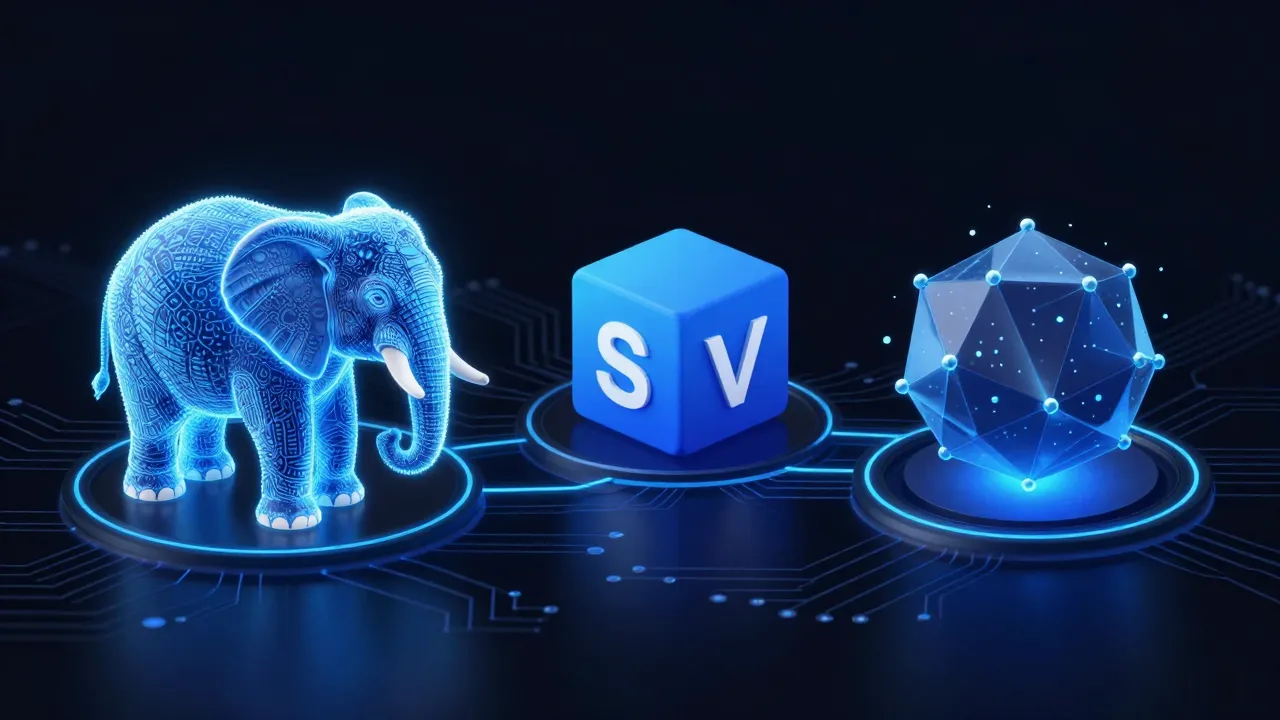
Three trends are reshaping the database landscape in 2026: PostgreSQL becoming the default choice for nearly everything, SQLite’s unexpected expansion into server-side and edge applications, and vector databases becoming essential infrastructure for AI-powered applications.
Understanding these trends is crucial for any technical architecture decision in 2026.
The database landscape is consolidating while new categories emerge for AI workloads
Postgres Everywhere
PostgreSQL has won the relational database war. Not by being the fastest or the easiest, but by being good enough at everything while excelling at extensibility.
Why Postgres Won
| Capability | Postgres | MySQL | SQL Server | Oracle |
|---|---|---|---|---|
| JSON support | Excellent | Good | Good | Good |
| Full-text search | Excellent | Basic | Good | Good |
| Geospatial | Excellent (PostGIS) | Basic | Good | Good |
| Time series | Good (TimescaleDB) | Basic | Basic | Basic |
| Vector search | Excellent (pgvector) | Limited | Limited | Limited |
| Extensibility | Excellent | Limited | Limited | Limited |
| License | Open source | Open source | Commercial | Commercial |
| Cloud availability | All clouds | All clouds | Azure-first | Oracle Cloud |
Postgres is the “just use Postgres” answer to most database questions:
- Need JSON storage? Postgres JSONB
- Need full-text search? Postgres tsvector
- Need geospatial? PostGIS
- Need time series? TimescaleDB
- Need vector search? pgvector
- Need graph queries? Apache AGE
Postgres-Compatible Alternatives
The ecosystem has spawned Postgres-compatible databases optimized for specific use cases:
| Database | Optimization | Use Case |
|---|---|---|
| Neon | Serverless, branching | Development, staging environments |
| Supabase | Realtime, auth, storage | Full-stack applications |
| CockroachDB | Distributed, multi-region | Global applications |
| AlloyDB | Analytics, Google Cloud | OLTP + OLAP hybrid |
| Aurora PostgreSQL | AWS integration, scaling | AWS-native applications |
| Crunchy Bridge | Managed Postgres | Enterprise Postgres |
All speak Postgres protocol. Your application code works with any of them.
When Postgres Is Not the Answer
Postgres is not optimal for:
- Massive write throughput: Time-series databases (InfluxDB, QuestDB) or wide-column stores (Cassandra, ScyllaDB) may be better
- Document-centric workloads: MongoDB may offer better ergonomics
- Extreme scale: Distributed databases (Spanner, CockroachDB) designed for global scale
- Simple caching: Redis or Memcached are purpose-built
But for 90% of applications, Postgres is the right choice.
SQLite Renaissance
SQLite, traditionally embedded in mobile apps and desktop software, is finding new life in server-side applications.
SQLite on the Server
Several factors are driving SQLite adoption for servers:
1. Edge Computing
SQLite runs beautifully at the edge:
// Cloudflare D1 (SQLite at the edge)
export default {
  async fetch(request, env) {
    const { results } = await env.DB.prepare(
      'SELECT * FROM users WHERE country = ?'
    ).bind(request.cf.country).all()

    return Response.json(results)
  }
}
D1, Turso, and LiteFS bring SQLite to edge deployments where traditional databases cannot run.
2. Simplicity
No separate database server. No connection pooling. No network latency:
Traditional Architecture:
App Server → Network → Database Server → Disk

SQLite Architecture:
App Server → Disk (database is a file)
For read-heavy workloads, SQLite on local SSD is faster than Postgres over the network.
3. Development Experience
SQLite simplifies development and testing:
- Database is a single file (easy to copy, backup, reset)
- No Docker containers for local development
- Tests run faster without network overhead
- Production and development use the same database
SQLite Scaling Solutions
The traditional concern — SQLite does not scale — is being addressed:
| Solution | Approach | Use Case |
|---|---|---|
| Turso (libSQL) | Distributed SQLite with replication | Multi-region applications |
| LiteFS | Filesystem-level replication | Read replicas at edge |
| Litestream | Streaming backups to S3 | Disaster recovery |
| rqlite | Raft consensus over SQLite | High availability |
When to Use SQLite
SQLite is ideal for:
- Read-heavy workloads: Blogs, documentation, content sites
- Edge applications: Low-latency data access at network edge
- Single-server applications: When you do not need horizontal scaling
- Embedded analytics: In-process data analysis
- Development and testing: Simpler local setup
SQLite is not ideal for:
- High write concurrency: SQLite uses database-level locking
- Multi-server writes: Replication solutions add complexity
- Very large databases: Performance degrades beyond ~1TB
Vector Databases for AI
The AI boom created a new database category: vector databases optimized for similarity search.
Why Vector Databases
AI applications need to find similar items:
- “Find documents similar to this query” (RAG)
- “Find products similar to this one” (recommendations)
- “Find images similar to this image” (search)
This requires storing embeddings (high-dimensional vectors) and performing similarity search.
# Traditional database query
SELECT * FROM products WHERE category = 'electronics'

# Vector similarity query
SELECT * FROM products
ORDER BY embedding <-> query_embedding
LIMIT 10
The <-> operator computes distance between vectors — something traditional indexes cannot optimize.
Vector Database Options
| Database | Type | Strengths | Weaknesses |
|---|---|---|---|
| pgvector | Postgres extension | Familiar, integrated | Scaling limits |
| Pinecone | Managed service | Fully managed, fast | Vendor lock-in, cost |
| Weaviate | Open source | Feature-rich, multi-modal | Operational overhead |
| Milvus | Open source | High performance, scalable | Complexity |
| Qdrant | Open source | Rust-based, fast | Newer ecosystem |
| Chroma | Open source | Developer-friendly | Less mature |
pgvector: The Default Choice
For most applications, pgvector is the right starting point:
-- Enable pgvector
CREATE EXTENSION vector;

-- Create table with vector column
CREATE TABLE documents (
  id SERIAL PRIMARY KEY,
  content TEXT,
  embedding vector(1536)  -- OpenAI ada-002 dimension
);

-- Create index for fast similarity search
CREATE INDEX ON documents
USING ivfflat (embedding vector_cosine_ops)
WITH (lists = 100);

-- Query similar documents
SELECT content, embedding <=> query_embedding AS distance
FROM documents
ORDER BY embedding <=> query_embedding
LIMIT 10;
Benefits of pgvector:
- Uses existing Postgres infrastructure
- Combines vector search with SQL filters
- Transactions and ACID guarantees
- Familiar tooling and operations
When to Use Dedicated Vector Databases
Consider Pinecone, Weaviate, or Milvus when:
- Scale exceeds pgvector limits: Billions of vectors
- Search latency is critical: Sub-10ms requirements
- Advanced features needed: Hybrid search, multi-tenancy, filtering
- Managed service preferred: Avoid operational overhead
Choosing Your Database Stack
A modern 2026 application might use:
Recommended Database Stack
├── Primary Database: PostgreSQL (or Postgres-compatible)
│   ├── Transactional data
│   ├── User data, orders, etc.
│   └── Vector search via pgvector (if moderate scale)
│
├── Cache: Redis
│   ├── Session storage
│   ├── Rate limiting
│   └── Temporary data
│
├── Edge Data: SQLite (Turso, D1)
│   ├── Read replicas close to users
│   └── Edge-specific data
│
└── Vector Database: pgvector or Pinecone (if needed)
    ├── Embeddings for AI features
    └── Similarity search
The key insight: Postgres handles most needs. Add specialized databases only when you hit specific limitations.
The Trend Summary
Postgres: Becoming the universal database. If in doubt, use Postgres.
SQLite: No longer just for mobile. Viable for server-side, especially at the edge.
Vector Databases: Essential for AI. Start with pgvector, graduate to specialized solutions if needed.
The database landscape is simultaneously consolidating (around Postgres) and expanding (vector databases for AI). Understanding both trends helps you build applications that are both practical today and prepared for AI-powered features tomorrow.
More from this category
More from Web Development
 R.01
R.01 Node.js vs Deno vs Bun in 2026: The JavaScript Runtime Wars
 R.02
R.02 WASI 0.3 Arrives: Native Async Makes WebAssembly a Real Server-Side Contender
 R.03
R.03 Astro 6 Beta — CSP Nonces, Declarative Web Components, and Architecture Tradeoffs
The dispatch
Working notes from
the studio.
A short letter twice a month — what we shipped, what broke, and the AI tools earning their keep.
Discussion
Join the conversation.
Comments are powered by GitHub Discussions. Sign in with your GitHub account to leave a comment.